Public Quick Start
Use these pages to find Board and committee meetings, read public agendas and materials, search, print, and subscribe to updates. No account is required for public content.
On a smaller screen, select ☰ Topics to open the documentation menu.
1. Find a meeting Use Upcoming Events or Past Events.
2. Review the agenda Expand sections and open public materials.
3. Search the site Use keywords, phrases, and Advanced search.
Five-minute workflow
- Open the district's schoolboard.net site.
- Select a meeting under Upcoming Events or Past Events.
- Confirm the meeting title, date, time, and group.
- Expand the agenda sections you need.
- Open a public filename or Read ... heading.
- Use search, print, notifications, or accessibility features as needed.
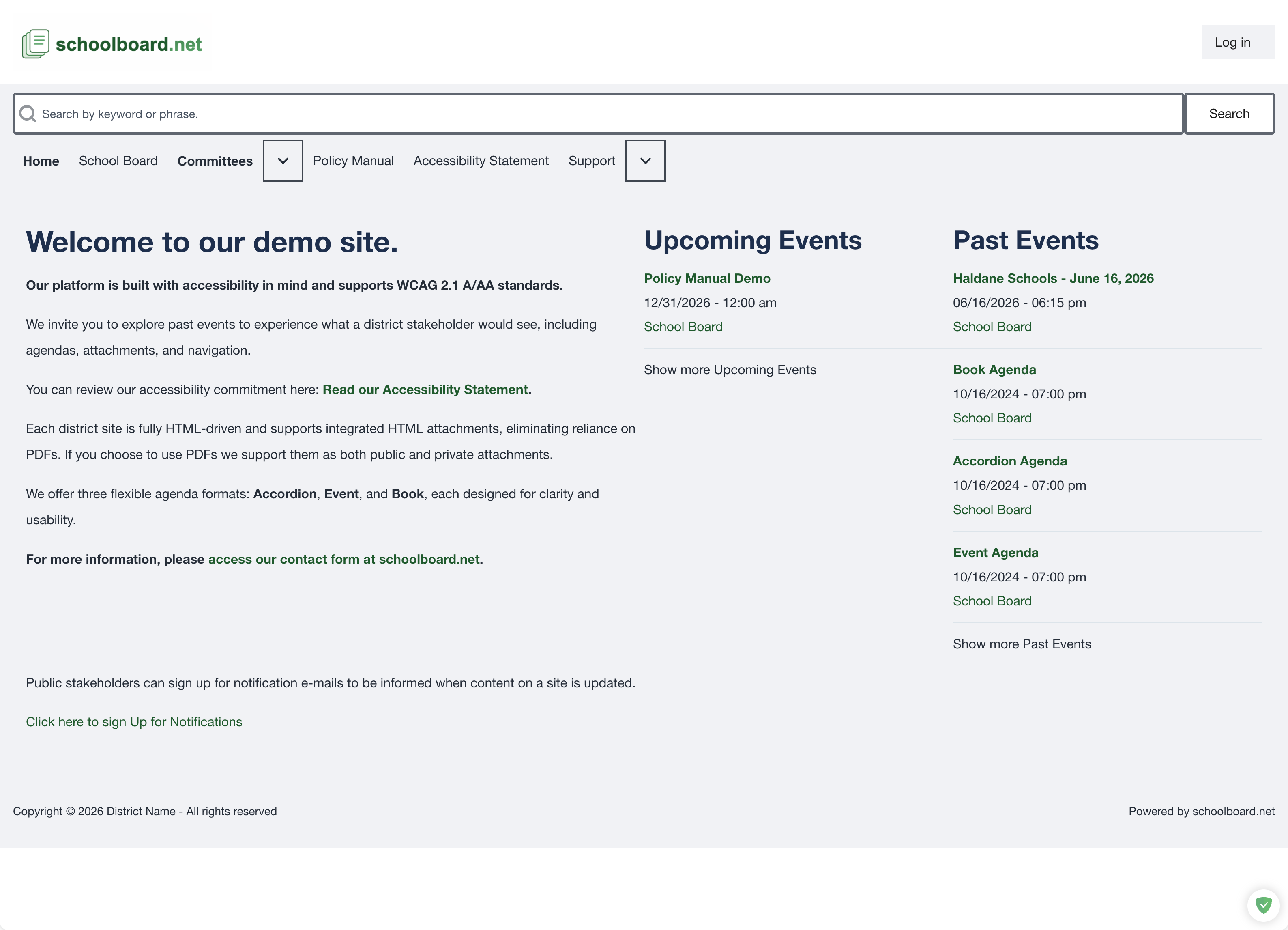
Public home page overview.
Note
District names, navigation choices, and available meeting formats can vary. Confirm the meeting date before relying on an agenda or attachment.