Notifications and accessibility
Subscribe to notifications
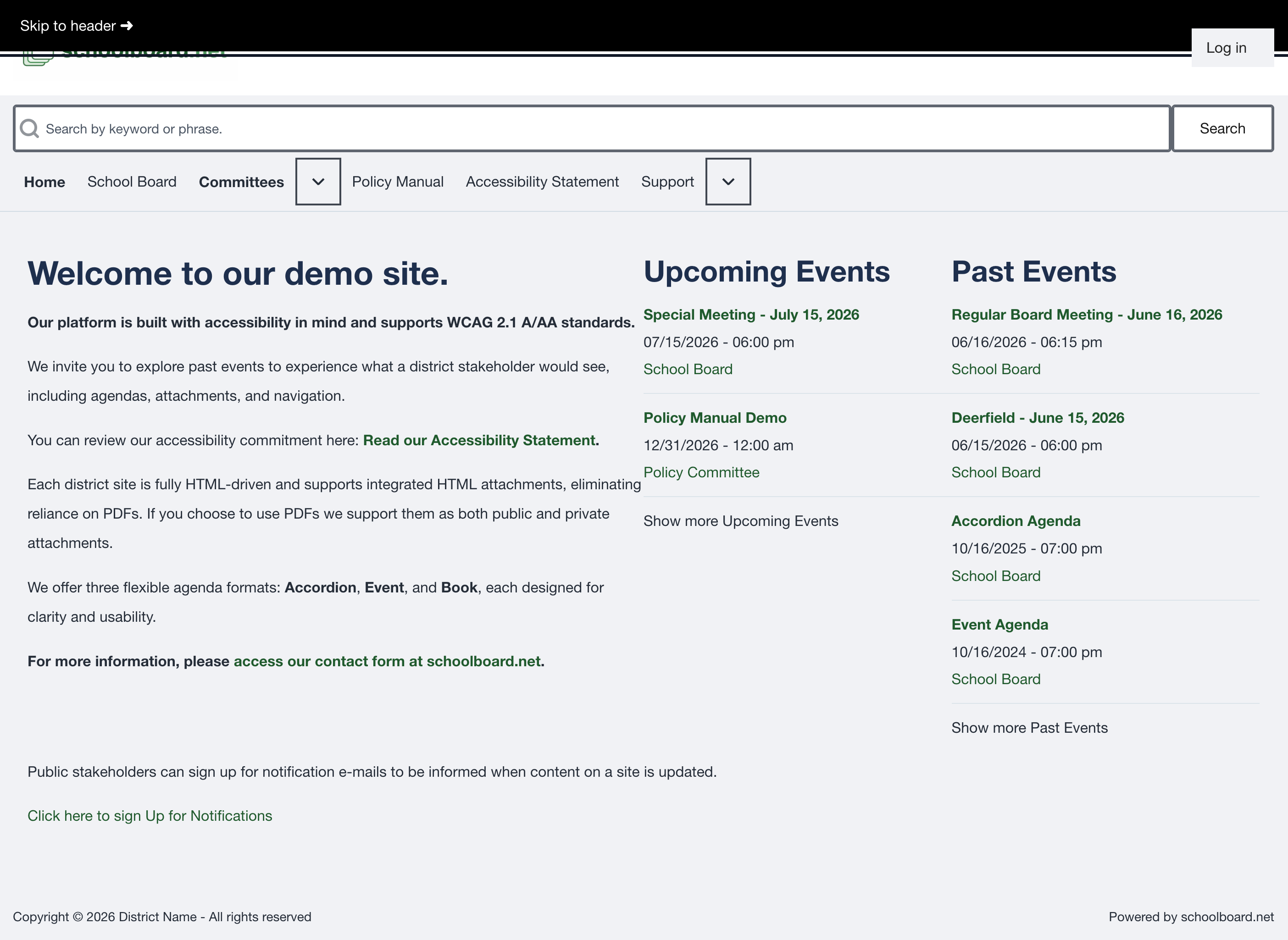
Select Click here to sign Up for Notifications when the district offers public email updates. A notification tells you that content was published or changed; the live district site remains the current version.

Use keyboard and accessibility features
- Press Tab or Shift+Tab to move between controls.
- Press Enter to open a link.
- Press Enter or Space to operate agenda headings and buttons.
- Use a visible skip link to move directly to the main page region when it appears.
- Use the district's Accessibility Statement for accessibility and accommodation contact information.
Report a barrier
Include the meeting title, date, page address, browser, assistive technology, link or control label, and what happened.